
Aeries is Sunol Glen Unified School District's Student Information System, and it is the primary way that parents can monitor their children's performance. In order to create an account, you will need the following pieces of information
1. Your child's permanent student ID (4 digits)
2. Your primary phone number
3. the VPC
If you do not have any of these pieces of information at hand, please contact the front office for the information.
How to create a portal account
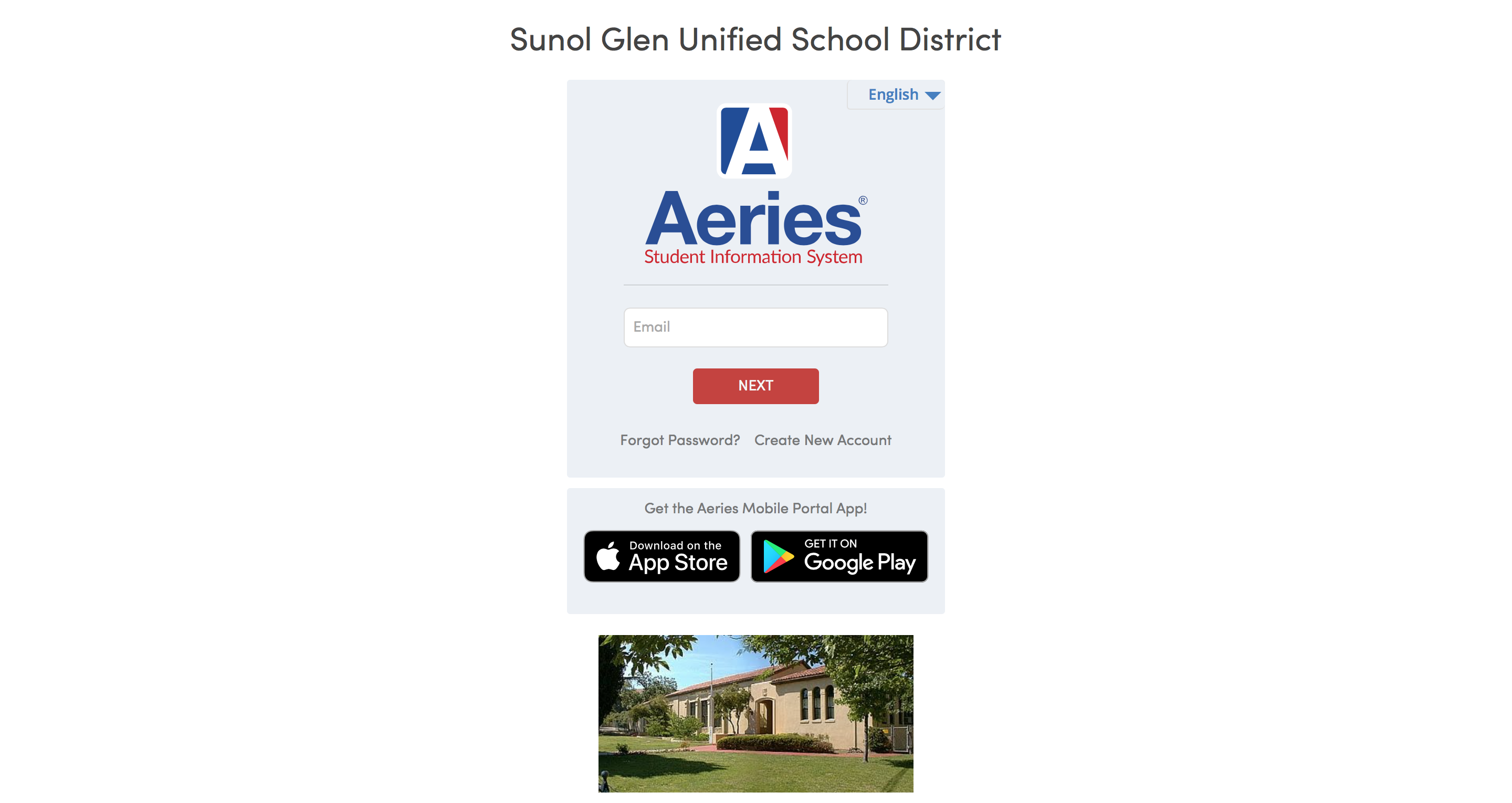
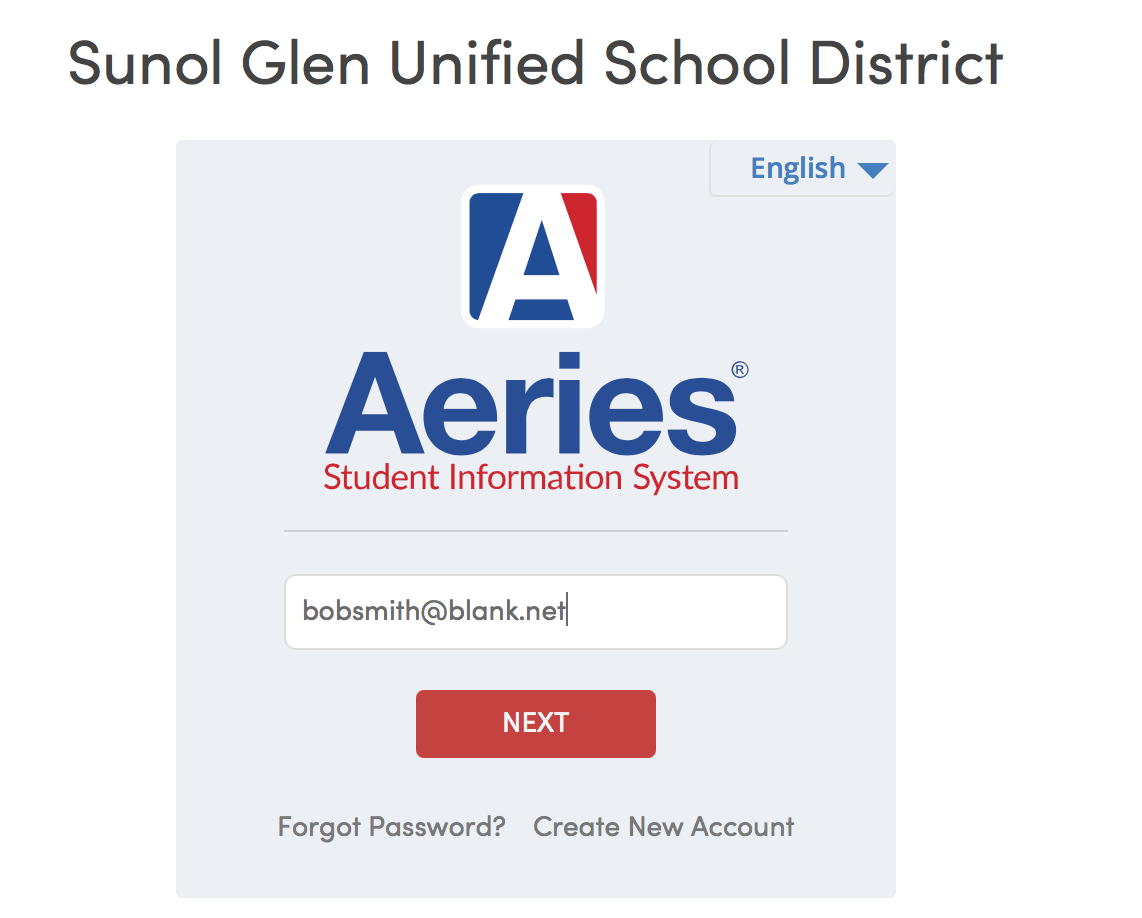
1. Navigate to the Aeries Parent Portal Account
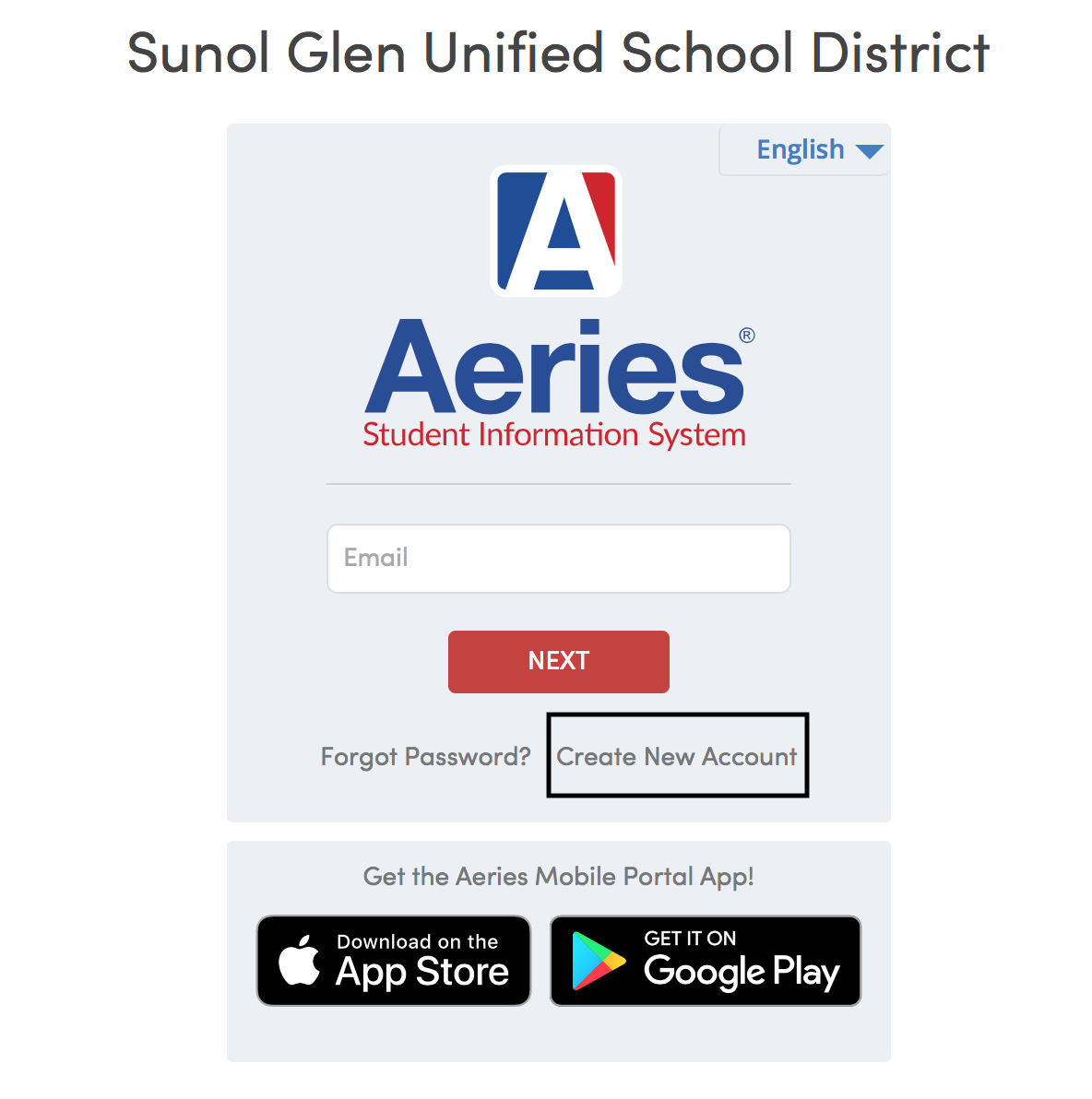
2. Click Create New Account
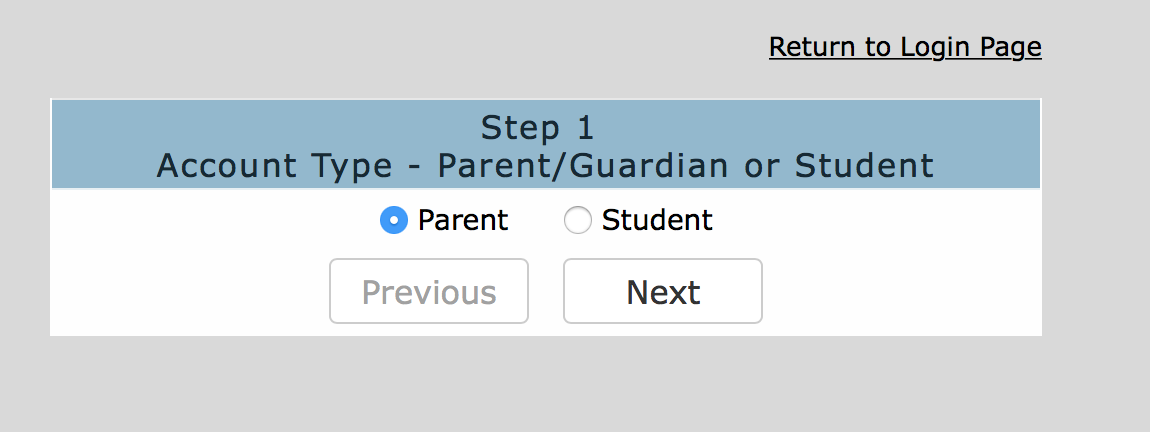
3. Ensure that "parent" is selected and click next
4. Fill out the required fields.
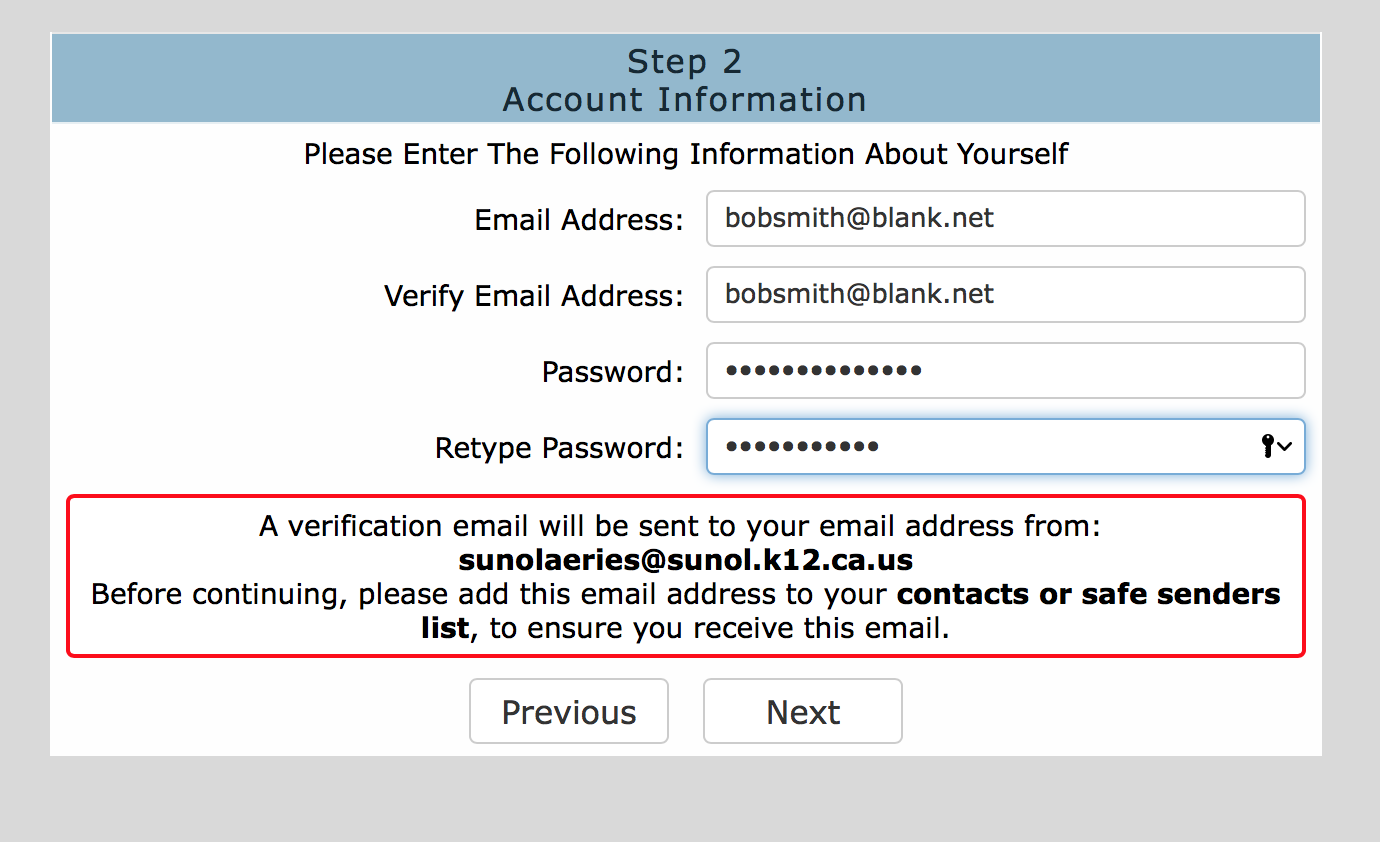
After clicking next, you will be sent a confirmation code to verify your email. Please follow the directions sent. If you did not recieve an email, please send a message to technology@sunol.k12.ca.us
5. Relog into your account.
6. Enter the required information
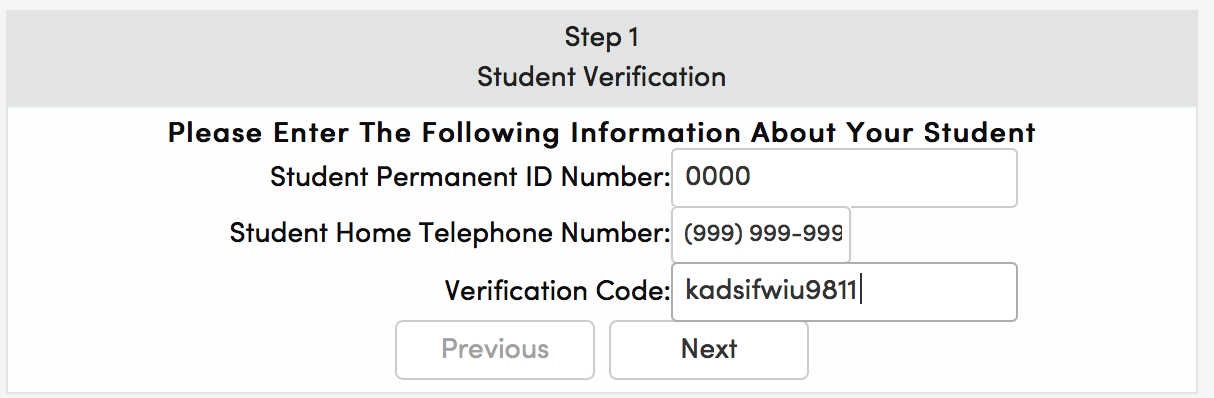
After clicking next, you will have completed the process. If you need to add another child to your parent account, please click the add another student and follow the prompts. You will need the same information stated before: student permanent ID, primary phone number, and VPC.
Comments
0 comments
Please sign in to leave a comment.